
Why Some USB 3.0 Drive, Flash Drives Fail Faster Than Others

Why USB 3.0 Drives Fail and How to Select Durable Flash Drives for Long-Term Value
In the rapidly evolving digital landscape of 2025, reliable storage solutions remain the backbone of both personal data management and enterprise operations. As data generation skyrockets—projected to reach over 180 zettabytes by 2026—the demand for efficient, portable storage like the USB Drive continues to surge. Businesses and professionals invest heavily in high-performance Flash Drives to facilitate rapid data transfers, while B2B procurement managers seek robust USB 3.0 solutions for branding and operational logistics. However, despite their ubiquity, not all storage devices are built to last. Understanding the engineering and market realities behind these failures is critical for making informed procurement decisions that minimize data loss and maximize return on investment.
1. Common Causes of USB 3.0 Drive Flash Drive Failure
While USB Drive technology offers superior speeds compared to predecessors, several factors can compromise the integrity of Flash Drives, particularly in high-volume wholesale or promotional contexts.
1.1. Why Low-Quality NAND Flash Memory Reduces Lifespan
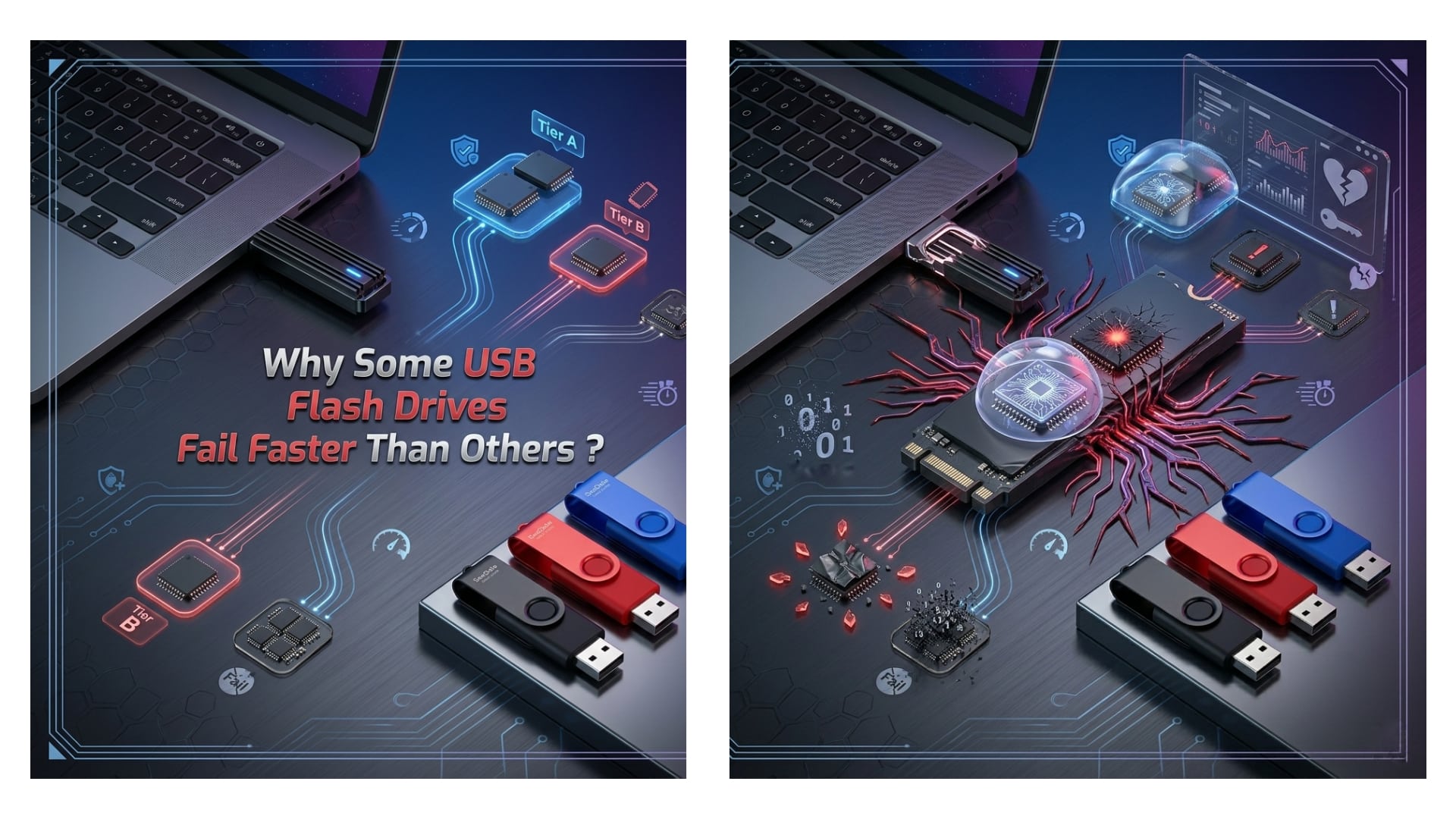
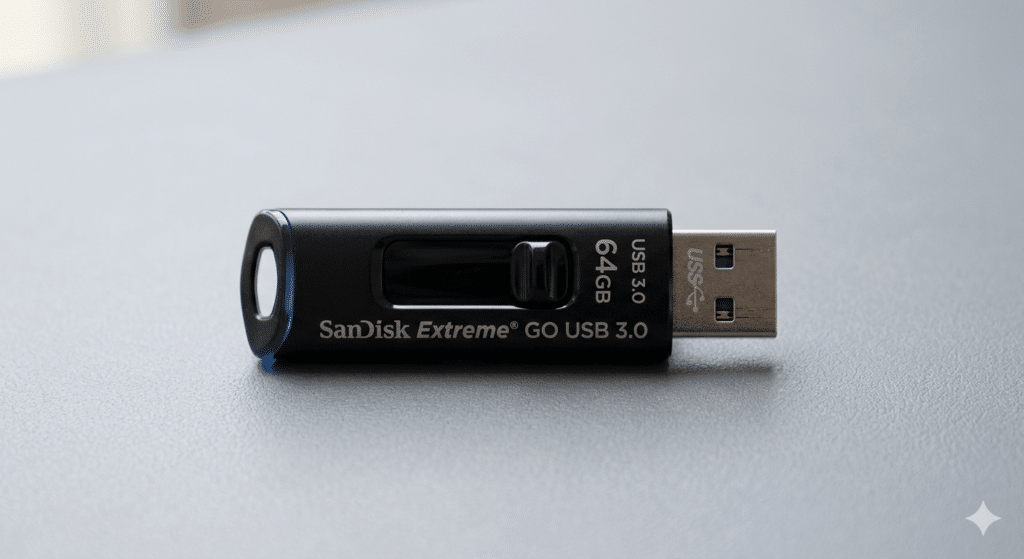
The heart of any USB Drive is its NAND flash memory, a component that directly dictates endurance and performance. Industry data indicates that the variance in memory quality is the leading cause of premature failure. NAND flash is categorized into four types, each with distinct lifecycle implications:
- Single-Level Cell (SLC): Stores one bit per cell, offering the highest durability (up to 100,000 P/E cycles) and speed, but at a premium price point.
- Multi-Level Cell (MLC): Stores two bits per cell, balancing moderate durability (3,000 to 10,000 cycles) with cost, making it a standard for professional Flash Drives.
- Triple-Level Cell (TLC): Stores three bits per cell; while affordable, it offers a significantly lower lifespan (1,000 to 3,000 cycles).
- Quad-Level Cell (QLC): Stores four bits per cell; primarily found in budget USB 3.0 models, QLC offers the lowest endurance (often under 1,000 cycles).
Many low-cost promotional items utilize TLC or QLC memory to meet aggressive price points. For businesses requiring long-term data retention, opting for MLC or SLC-based Flash Drives is essential to prevent data degradation.
1.2. How Poor Build Quality and Soldering Impact USB 3.0 Drives
The physical integrity of a USB Drive is just as crucial as its internal memory. In the race to cut costs, some manufacturers utilize brittle plastic casings that provide minimal protection against daily wear and tear. Metal enclosures, typically aluminum or zinc alloy, offer superior resistance to crushing, drops, and pressure, which is vital for Flash Drives used in industrial environments or carried on keychains.
Internally, the quality of soldering connecting the USB controller to the memory board determines resilience against physical stress. Poor solder joints can crack over time due to thermal expansion or mechanical flexion, leading to intermittent connectivity or total failure. High-quality wholesale USB 3.0 products ensure reinforced PCB (Printed Circuit Board) construction to withstand frequent insertion and removal cycles.
1.3. Why Frequent Read/Write Cycles Degrade Flash Drives
Flash memory operates on a finite number of program/erase (P/E) cycles. Every action—saving, editing, or deleting a file—consumes a portion of this lifespan. For a standard USB Drive using TLC memory, heavy daily usage can exhaust the memory within a few years. This is particularly relevant for businesses using Flash Drives for running portable applications or operating systems, known as “Live USBs.”
To mitigate this, high-end USB 3.0 devices incorporate wear-leveling algorithms. These algorithms distribute data evenly across memory cells to prevent specific areas from wearing out prematurely. When sourcing customized drives, verifying the presence of advanced wear-leveling controllers is a key step for ensuring longevity.
1.4. How Unsafe Ejection and Power Surges Damage USB 3.0 Drives
Data integrity relies heavily on proper communication protocols between the host computer and the USB Drive. Abruptly removing a device without “Safely Removing Hardware” interrupts data writing processes, potentially corrupting the file system. This can render the Flash Drives unreadable or cause significant data loss.
Furthermore, power surges pose a silent threat. Fluctuations in voltage from faulty USB hubs, unstable power supplies, or electrical storms can fry the controller chip of a USB 3.0 device. Professional-grade Flash Drives often include over-voltage protection (OVP) circuits to shield internal components from such electrical anomalies, a feature often absent in cheaper, generic alternatives.
1.5. Why Environmental Factors Threaten Flash Drives
Despite their portability, Flash Drives are sensitive to environmental extremes. Excessive heat can degrade the electrical charge holding the data in the NAND cells, while extreme cold can make the plastic casing brittle and the internal circuitry sluggish. For USB Drive units used in automotive or outdoor industrial applications, operating temperature ranges are a critical specification.
Moisture and dust are also detrimental. Even minimal exposure to humidity can lead to corrosion of the metal contacts. Consequently, the market for ruggedized Flash Drives has expanded, featuring IP67 or IP68 ratings for water and dust resistance. For 2026 B2B procurement, investing in waterproof USB 3.0 models is becoming a standard requirement for field personnel and logistics sectors.
1.6. How Malware and Security Flaws Compromise USB Drives
As USB 3.0 speeds increase, so does the risk of malware transmission. Flash drives act as physical vectors for viruses, capable of bypassing network firewalls. Autoplay features can execute malicious scripts the moment a USB Drive is inserted, leading to data theft or ransomware attacks.
In response, secure Flash Drives now feature hardware encryption and firmware write-protection. These security measures prevent unauthorized code execution and ensure that, even if the device is lost, the data remains inaccessible. For corporate clients handling sensitive information, standard unsecured USB drives present an unacceptable liability, making encrypted custom drives the preferred choice.
2. How to Extend the Lifespan of a USB 3.0 Flash Drive
Maximizing the utility of Flash Drives requires a combination of proper hardware selection and disciplined user behavior. Implementing these best practices ensures data preservation and device reliability.
2.1. Why Choosing High-Quality NAND Flash is Critical
Selecting the right memory type is the first line of defense. While SLC and MLC Flash Drives carry a higher upfront cost, their extended Total Bytes Written (TBW) ratings offer better value over time. For wholesale orders intended for software distribution or long-term archiving, specifying MLC NAND in the USB 3.0 requirements guarantees a stable platform that resists bit rot and data corruption.
2.2. How Buying from Reputable Manufacturers Ensures Quality
The market is flooded with counterfeit drives that advertise false capacities—a practice known as “fake flash.” These devices may report 128GB of space but fail catastrophically once the actual smaller memory buffer is exceeded. Procuring USB drives from established manufacturers who provide lifetime warranties and use Grade-A original chips is non-negotiable for B2B buyers. Reputable suppliers also conduct rigorous stress testing, ensuring every USB Drive meets advertised speed and durability standards.
2.3. Why Safe Ejection Practices Are Necessary for USB 3.0 Drives
Cultivating the habit of using the “Safely Remove Hardware” function is essential. This process ensures all cached data is written to the Flash Drives and the device is put into a low-power state before physical disconnection. For organizations deploying USB drives to employees, training on this simple procedure can significantly reduce IT support tickets related to corrupted file systems.
2.4. How Avoiding Extreme Temperatures Protects Flash Drives
Environmental management extends the life of USB 3.0 technology. Devices should be stored in cool, dry places when not in use. Direct sunlight, such as leaving a USB 3.0 Drive on a car dashboard, can warp the casing and damage the internal silicon. For industrial users, utilizing drives with wide operating temperature ranges (e.g., -40°C to 85°C) ensures functionality in harsh conditions.
2.5. Why Regular Backups Are Essential for Data Safety
No physical storage medium is immortal. The 3-2-1 backup rule (three copies of data, two different media, one offsite) applies to Flash Drives as much as any other storage. Relying solely on a USB Drive for critical data is a risky strategy. Instead, these drives should be viewed as a transport mechanism or a secondary backup, not the primary repository for irreplaceable files.
2.6. How Regular Malware Scans Maintain Drive Health
Proactive cybersecurity measures are vital. Scanning a USB Drive with updated antivirus software before accessing files prevents the spread of logic bombs and worms. Many modern Flash Drives come with read-only switches; engaging this when plugging into unknown public computers allows users to view files without risking the drive being infected by malware resident on the host machine.
2.7. Why Limiting Write Cycles Preserves USB 3.0 Drive Longevity
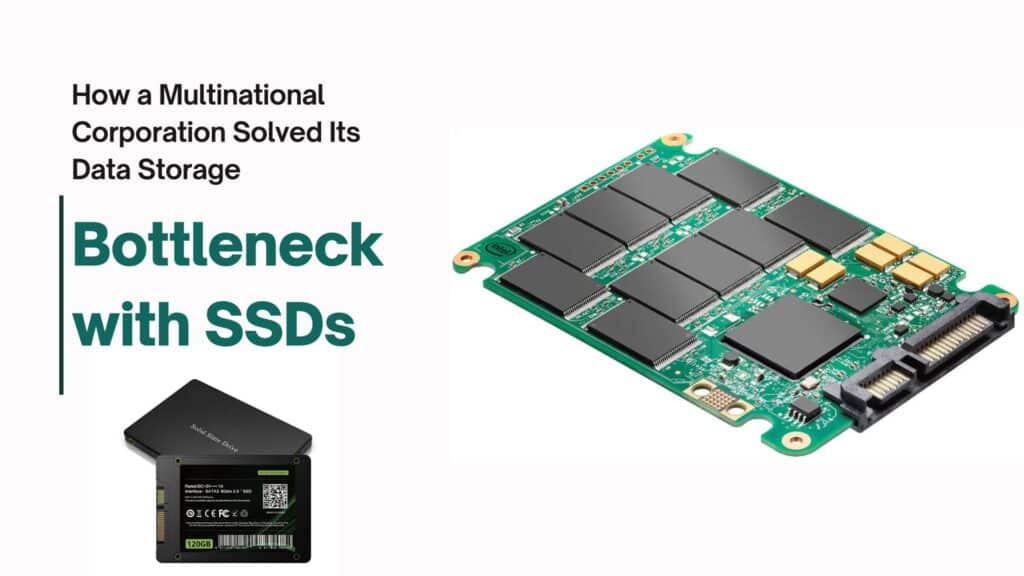
Strategic usage plays a role in preservation. Flash Drives used for “cold storage”—data written once and read occasionally—will vastly outlast those used for constant video editing or temporary file caching. To extend the life of a USB Drive, users should offload heavy write operations to Solid State Drives (SSDs) and use the USB primarily for transferring completed files or archiving static data.
3. How to Identify a Failing USB 3.0 Drive
Recognizing the early warning signs of failure allows users to migrate data before a catastrophic loss occurs. Monitoring these symptoms ensures that Flash Drives are replaced proactively.
3.1. Why Frequent Data Corruption Signals Impending Failure
The most alarming sign is files becoming unreadable or disappearing. If a USB Drive frequently requires formatting or shows “file is corrupt” errors on multiple computers, the NAND memory is likely suffering from physical degradation. At this stage, the drive should be retired immediately, and data recovery attempts should be prioritized.
3.2. How Slow Read/Write Speeds Indicate USB 3.0 Drive Issues
A hallmark of USB 3.0 technology is speed. A healthy USB 3.0 Drive should sustain read speeds of 100 MB/s or higher depending on the generation (3.0, 3.1, or 3.2). If transfer speeds plummet to USB 2.0 levels or fluctuate wildly, it suggests the controller is struggling to manage bad memory blocks. This throttling is a defense mechanism but indicates the drive is nearing the end of its useful life.
3.3. Why Frequent Disconnections Point to Hardware Faults
Intermittent connectivity often points to a physical failure in the connector or the internal port. If a USB Drive disconnects with the slightest movement, it signals a broken solder joint or a deformed USB connector. While data might still be accessible, relying on such a drive is hazardous as it may fail completely during a critical file transfer.
3.4. How Overheating and Noises Reveal Defects in Flash Drives
While mild warmth during operation is normal, excessive heat that makes the device uncomfortable to touch indicates a short circuit or high resistance in the Flash Drives. Additionally, electronic buzzing or crackling noises are abnormal and signify a severe electrical fault. In both scenarios, the device should be unplugged immediately to prevent damage to the host computer.
Conclusion
As we move toward 2026, the role of the USB Drive remains pivotal in global data management and brand promotion. While the market offers a vast array of options, the disparity in quality between generic Flash Drives and professional-grade solutions is significant. By understanding the technical causes of failure—from NAND flash quality to environmental hazards—businesses and consumers can make strategic choices that enhance data security and device longevity. Investing in high-quality USB 3.0 technology is not merely a purchase; it is a commitment to reliability and professional standards.
Frequently Asked Questions
- Why is my USB 3.0 Drive not reaching its advertised speed?
Several factors can limit the speed of a USB Drive. Primarily, the drive must be connected to a USB 3.0 or higher port to achieve high-speed transfers; connecting to a USB 2.0 port will throttle the speed significantly. Additionally, the type of files being transferred matters; transferring many small files is inherently slower than transferring a few large video files due to file system overhead. Finally, the quality of the NAND flash memory (SLC/MLC vs. TLC/QLC) and the internal controller speed play a major role in determining real-world performance.
- What is the difference between USB 3.0, USB 3.1, and USB 3.2 Flash Drives?
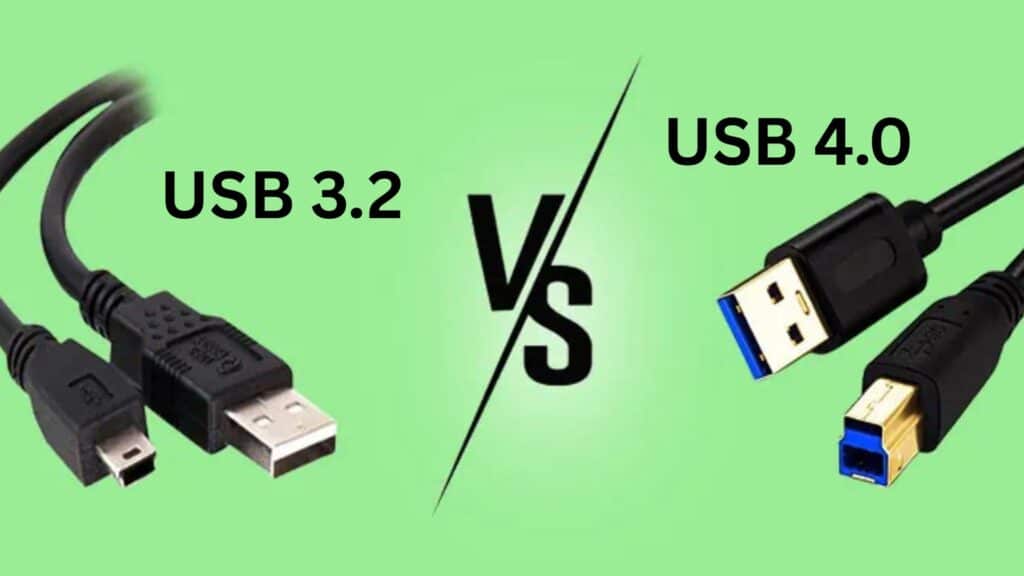
While the names differ, these standards are often backward compatible. USB 3.0 (also known as USB 3.1 Gen 1 or USB 3.2 Gen 1) offers transfer speeds up to 5 Gbps. USB 3.1 Gen 2 (or USB 3.2 Gen 2) doubles this speed to 10 Gbps. The latest standard, USB 3.2 Gen 2×2, can reach up to 20 Gbps. For most B2B applications involving document transfers and standard media, a reliable USB 3.0 speed (5 Gbps) remains sufficient and cost-effective, while the higher standards are better for massive file workflows like 4K video editing.
- How can I tell if a USB Drive is counterfeit before buying?
Counterfeit Flash Drives often advertise unusually high storage capacities (e.g., 2TB) at very low prices. To verify authenticity, use software tools like H2testw or ChipGenius to test the actual storage capacity and read/write speeds. These tools will write data to the drive to verify if the memory chips actually match the claimed specifications. Purchasing from reputable wholesalers who provide lifetime warranties and use Grade-A original NAND flash is the most effective way to avoid counterfeits.
- Why do some Flash Drives get hot during use?
It is normal for high-performance Flash Drives to generate some warmth during heavy data transfer operations due to the electrical resistance in the controller and memory chips. However, excessive heat that makes the drive uncomfortable to touch indicates a potential defect, poor ventilation in the casing, or a low-quality controller. For wholesale orders, opting for metal casing USB 3.0 models can help dissipate heat more effectively than plastic enclosures.
- Which NAND flash memory type is best for long-term data storage?
For long-term reliability and archival purposes, Single-Level Cell (SLC) or Multi-Level Cell (MLC) NAND flash memory is superior. SLC offers the highest endurance and data retention but comes at a premium price. MLC offers a balanced compromise between cost and durability. Most consumer-grade USB 3.0 Drive models use Triple-Level Cell (TLC) or Quad-Level Cell (QLC), which are affordable but have shorter lifespans, making them better suited for temporary transport rather than critical long-term storage.
- How does the “Safely Remove Hardware” feature actually protect USB 3.0 Drives?
Operating systems often use “write caching,” where they hold data in RAM temporarily before actually writing it to the USB 3.0 Drive to speed up performance. If you unplug the drive before this cache is flushed, the data transfer is incomplete, leading to corrupted files or a damaged file system. Using the “Safely Remove Hardware” feature ensures all data has been physically written to the Flash Drives and the device is ready for disconnection without data loss.
- Are metal casing USB drives more durable than plastic ones?
Yes, generally. A USB 3.0 Drive housed in a metal casing (aluminum or zinc alloy) offers significantly better physical protection against drops, crushing, and everyday wear and tear compared to plastic. Metal casings also act as a heat sink, helping to keep the internal components cool during operation. For promotional items or industrial use where durability is a priority, metal Flash Drives provide a more professional and robust user experience.
- Can a corrupted USB 3.0 Drive be repaired?
In many cases, yes, but the data recovery is not always guaranteed. If the corruption is logical (e.g., a damaged file system), formatting the drive or using data recovery software can often restore the USB 3.0 Drive to working order. However, if the failure is physical due to a broken circuit, NAND memory degradation, or a damaged connector, professional data recovery services are required. It is crucial to stop using the drive immediately upon noticing corruption to maximize the chances of data retrieval.
- What is the average lifespan of a typical USB 3.0 Flash Drive?
The lifespan of Flash Drives is measured in “program/erase cycles” (P/E cycles). A standard USB 3.0 Drive using TLC memory typically lasts between 3,000 to 5,000 write cycles. Under normal use conditions, this translates to roughly 10 to 20 years of data retention if the drive is stored properly, or several years of active daily use. However, heavy usage, extreme temperatures, and poor manufacturing quality can significantly shorten this timeframe.
- Why should businesses choose customized USB drives over generic ones?
For B2B clients, customized USB 3.0 Drive models serve a dual purpose: utility and brand awareness. A custom logo or specific shape turns a utility tool into a powerful marketing asset that keeps the brand in the client’s hand. Furthermore, wholesale customization allows businesses to pre-load the drives with product catalogs, presentations, or auto-launching promotional content, ensuring a controlled and engaging delivery of marketing materials that generic Flash Drives cannot provide.