
The Truth About SSD Endurance Ratings: What You Need to Know

Why SSD Endurance Ratings Define the Future of Reliable Storage Solutions
When investing in enterprise-grade or consumer storage solutions, endurance is one of the most critical metrics to evaluate. Whether deploying a portable hard drive for field logistics, an SSD external hard drive for high-speed data transfer, or a high-capacity 2TB external hard drive for archival purposes, understanding SSD endurance is essential to ensuring long-term performance and reliability. SSDs are rapidly replacing traditional mechanical drives across various industries due to superior speed, durability, and energy efficiency.
However, not all solid-state storage is created equal, and the lifespan of these devices depends heavily on technical factors including write endurance, NAND flash architecture, and workload intensity. As the market evolves toward 2026, discerning the differences in SSD endurance allows businesses to optimize procurement and customization strategies effectively.
1. What Are SSD Endurance Ratings and Why Do They Matter?
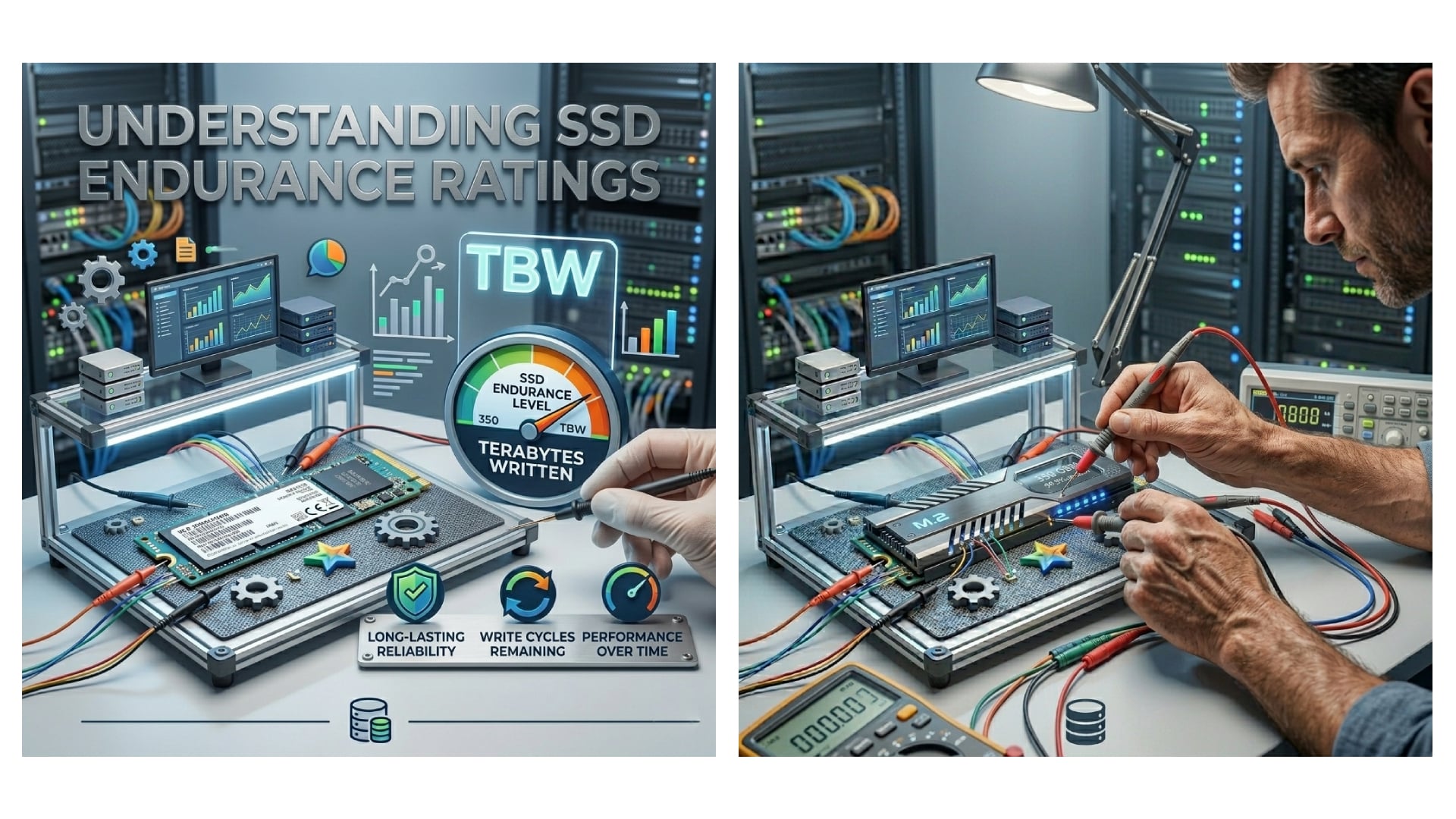
SSD endurance ratings serve as a quantitative benchmark for how much data an SSD can write before it becomes unreliable or reaches its end-of-life state. Unlike a standard portable hard drive which relies on spinning magnetic platters susceptible to mechanical failure, SSDs utilize NAND flash memory cells that degrade slightly with every program/erase cycle. Endurance ratings provide the necessary data to estimate storage longevity under specific operational conditions, helping businesses predict replacement cycles and total cost of ownership.
The most critical metrics used to measure SSD endurance include:
- Terabytes Written (TBW): This represents the total amount of data, in terabytes, that can be written to the drive before it is statistically likely to fail. For wholesale buyers, this is often the primary baseline for comparing durability.
- Drive Writes Per Day (DWPD): This metric indicates the number of times the entire drive capacity can be overwritten daily over the warranty period. It is particularly useful for enterprise environments where workloads are consistent and predictable.
- Mean Time Between Failures (MTBF): An estimated statistical average of time between hardware failures, usually measured in hours, which helps in assessing overall reliability.
For instance, a portable hard drive or SSD model with a TBW rating of 1,200 TB implies that the user can write 1,200 terabytes of data before the flash memory cells are expected to wear out. In a B2B context, understanding these metrics is vital for customizing storage solutions that align with client usage patterns, whether for intermittent backup or continuous data capture.
1.1 Why TBW Is a Key Metric for Procurement
Terabytes Written (TBW) offers a straightforward “lifetime mileage” for the drive. For a portable hard drive utilizing SSD technology, a higher TBW suggests a longer lifespan under heavy usage. Wholesale suppliers often highlight this figure to reassure clients of product robustness. For example, a 2TB external hard drive designed for professional video editing will possess a significantly higher TBW rating than a drive intended for casual consumer storage.
1.2 How DWPD Influences Enterprise Decisions
Drive Writes Per Day (DWPD) is calculated by dividing the TBW by the drive’s capacity and the warranty period in years. This metric answers the “how much” question regarding daily intensity. For a hard disk drive replacement in a server environment, a high DWPD ensures that the drive can handle the rigorous, continuous writes typical of database operations without premature failure.
1.3 What the 2025-2026 Market Data Reveals
Recent industry analysis indicates that the global SSD market is projected to grow at a CAGR of over 15% through 2026, driven largely by enterprise adoption. As data generation skyrockets—with estimates suggesting a 40% increase in global data volume by 2025—the demand for high-SSD endurance solutions is surging. Businesses are moving away from the traditional hard disk drive for primary storage, prioritizing SSDs that offer better longevity and performance per watt. This shift underscores the need for suppliers to stock drives with varying endurance specifications to cater to divergent market segments.
2. How NAND Flash Types Directly Impact SSD Endurance
The architecture of the NAND flash memory used in an SSD external hard drive plays the most significant role in determining its lifespan. Different NAND technologies offer varying trade-offs between cost, capacity, and SSD endurance. For B2B buyers and those seeking customization options, selecting the correct NAND type is crucial for meeting specific end-user requirements.
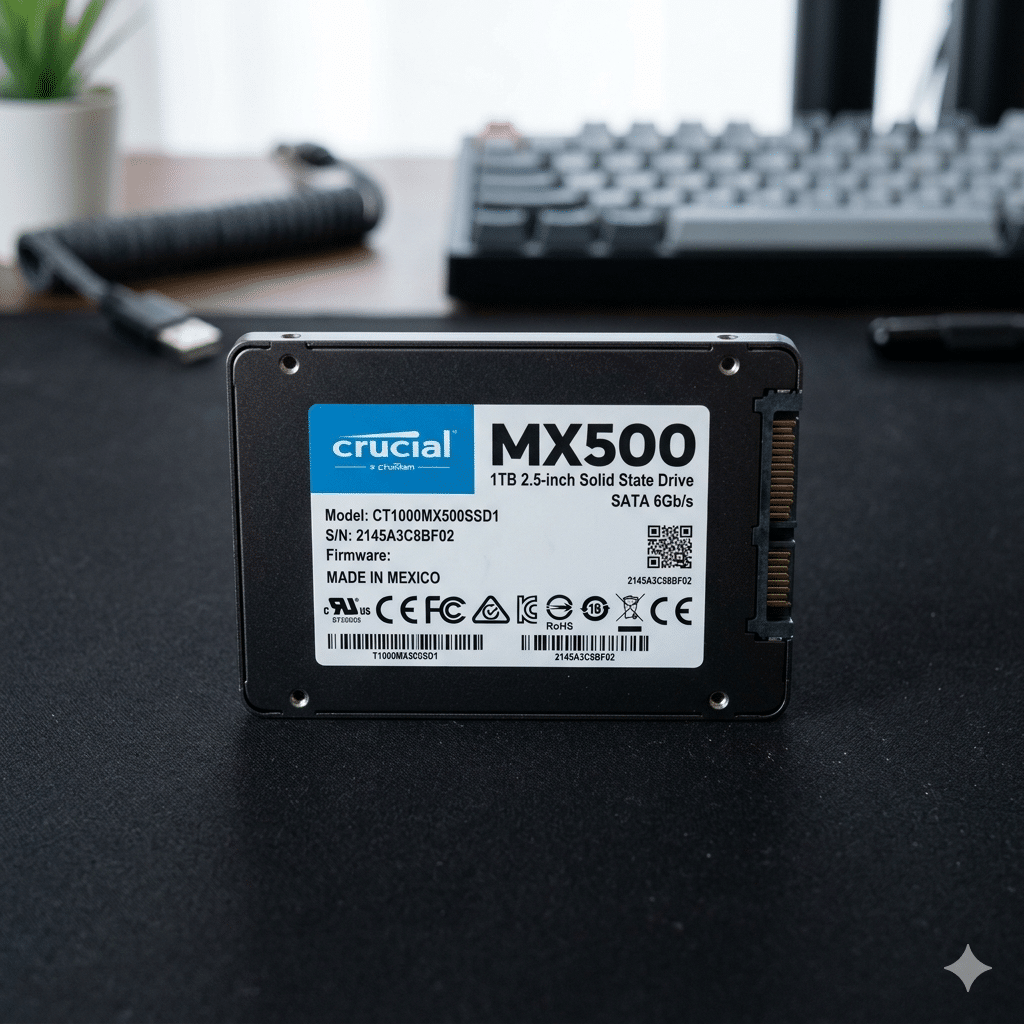
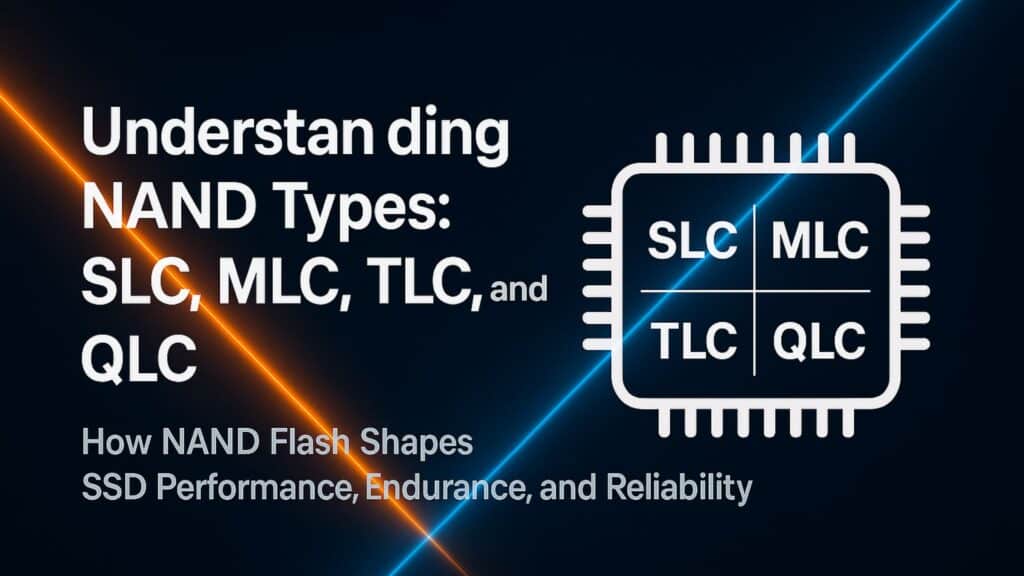
There are four primary types of NAND flash currently utilized in the industry:
- Single-Level Cell (SLC) – Highest Endurance
- Stores 1 bit per cell.
- Offers the highest SSD endurance and fastest performance, rated for approximately 100,000 write cycles.
- Typically used in enterprise-grade and industrial applications where reliability supersedes cost.
- Multi-Level Cell (MLC) – Balanced Performance
- Stores 2 bits per cell.
- Provides faster performance than TLC with lower endurance than SLC, usually around 3,000 to 10,000 cycles.
- Frequently used in high-end consumer and commercial SSDs where a balance of speed and lifespan is required.
- Triple-Level Cell (TLC) – Mainstream Standard
- Stores 3 bits per cell.
- Lower manufacturing cost but reduced SSD endurance compared to MLC, generally rated for 1,000 to 3,000 cycles.
- Found in the majority of consumer-grade portable hard drive models and standard business laptops.
- Quad-Level Cell (QLC) – High Density, Lower Endurance
- Stores 4 bits per cell.
- Offers the lowest SSD endurance and write speeds but is highly affordable and dense.
- Ideally suited for large-capacity storage, such as a 2TB external hard drive used for read-intensive archival rather than active editing.
2.1 Why SLC and MLC Remain Relevant for Industrial Use
Despite the consumer market shift to TLC and QLC, SLC and MLC NAND remain vital for applications requiring extreme SSD endurance. Industrial automation, aerospace, and military sectors often require portable hard drive solutions that can withstand harsh environments and constant write operations. Customizing devices with SLC or MLC ensures that the hardware does not become the bottleneck in critical infrastructure.
2.2 How TLC and QLC Dominate the Consumer Market
For wholesale distributors supplying the general market, TLC and QLC offer the best balance of affordability and sufficient SSD endurance for average users. A 2TB external hard drive using QLC NAND is perfect for photographers or office workers who need massive storage but do not perform heavy daily writes. Understanding these distinctions allows sales teams to recommend the right product tier, avoiding the overselling of expensive enterprise drives to casual users.
2.3 Which 3D NAND Technology Improves Longevity
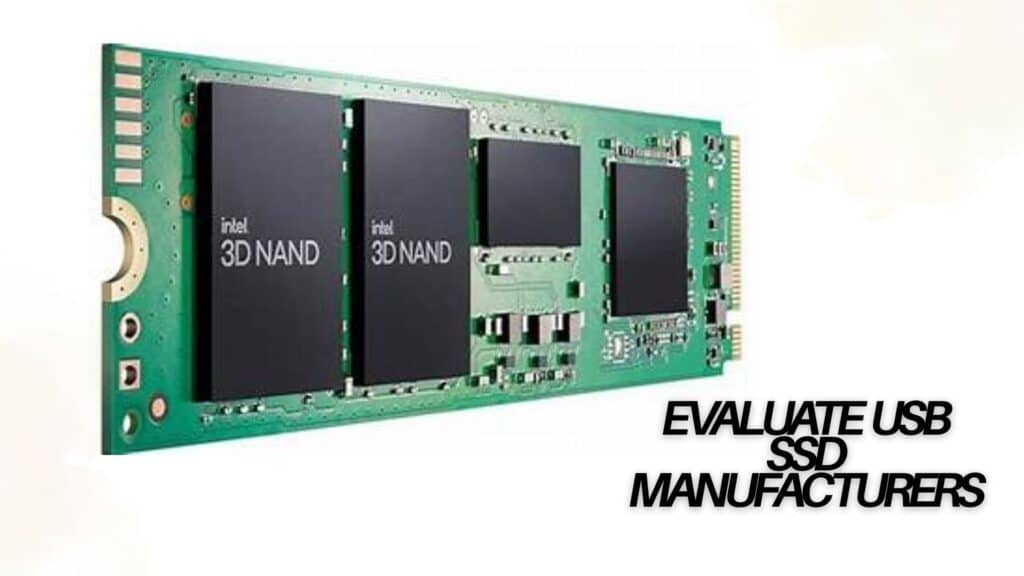
The industry is rapidly transitioning to 3D NAND technology, which stacks memory cells vertically to increase density and reduce stress on individual cells. This architectural shift improves SSD endurance even for TLC and QLC drives. By 2025, it is predicted that over 80% of all NAND production will be 3D NAND. This advancement means that a modern SSD external hard drive often lasts longer than older planar NAND counterparts, even with similar TBW ratings, due to better wear leveling algorithms and physical cell integrity.
3. Which Workloads Dictate Your SSD Endurance Requirements?
Different user profiles and industry applications will experience vastly different SSD endurance results based on their data writing habits. The intensity of the workload is the decisive factor in determining whether a standard portable hard drive suffices or if a specialized enterprise solution is necessary. For B2B clients, matching the drive specification to the workload prevents premature failure and ensures customer satisfaction.
✔ Light Workloads (General Office and Administrative Use)
- Activities include web browsing, document creation, and occasional file transfers.
- Minimal writes per day (typically <10 GB).
- Even low-endurance portable hard drive models or QLC-based SSDs can last for many years, often outliving the device they are installed in.
✔ Moderate Workloads (Creative Professionals and SMBs)
- Activities involve gaming, 4K video editing, and frequent database management.
- Moderate daily writes (20–100 GB).
- Mid-range SSDs with TLC NAND provide an optimal balance of cost and SSD endurance, making them suitable for these power users.
✔ Heavy Workloads (Enterprise, Data Centers, and Scientific Computing)
- Activities include large-scale transactional databases, 24/7 video surveillance writing, and AI model training.
- Constant, heavy write cycles exceeding 1 TB per day.
- High-endurance NVMe SSDs with MLC or enterprise-grade TLC are recommended to ensure consistent performance and high SSD endurance.
3.1 Why Customized Storage Solutions Are Essential
For businesses that cannot fit neatly into these categories, customized storage solutions offer a competitive advantage. A video production house might require a 2TB external hard drive with the highest possible SSD endurance (MLC) for on-set editing, while their archival department uses lower-cost QLC drives. Understanding these nuances allows wholesalers to provide tailored inventory that addresses specific pain points.
3.2 How Write Amplification Affects Lifespan
It is important to note that the data written by the user is not always equal to the data written to the NAND. Write amplification occurs when the SSD controller performs more physical writes than logical writes due to garbage collection and block management. This hidden factor reduces SSD endurance faster than the calculated TBW might suggest. High-quality controllers in premium portable hard drive models mitigate this issue, making them a better value proposition for professional use.
3.3 Which Future-Proofing Strategies Are Relevant for 2026
Looking ahead to 2026, workloads are expected to become increasingly data-intensive. With the rise of 8K video and IoT data streams, SSD endurance requirements will likely increase across the board. Investing in drives with headroom above current needs is a prudent strategy. For instance, procuring a portable hard drive with a TBW rating 20% higher than the current calculated need can buffer against the expected rise in data throughput over the next few years.
4. How SSD Endurance Compares to Traditional Hard Disk Drives
A common debate in the storage industry is whether SSDs offer superior longevity compared to the traditional hard disk drive. While SSDs have finite write cycles, they frequently outlast mechanical HDDs in real-world scenarios due to the absence of moving parts.
| Feature | SSD External Hard Drive | Portable Hard Drive (HDD) |
|---|---|---|
| Durability | No moving parts; highly resistant to shock and vibration. | Spinning platters and read/write heads are prone to mechanical failure if dropped. |
| Speed | 5-10x faster data transfer speeds; significantly boosts productivity. | Slower read/write speeds; creates bottlenecks in data-heavy workflows. |
| Endurance | Limited by write cycles, but highly predictable based on TBW. | Mechanical wear and tear eventually lead to motor or bearing failure. |
| Power Consumption | Low power usage extends laptop battery life and reduces operational costs. | Higher power draw due to the energy required to spin disks. |
4.1 Why Resistance to Physical Shock Matters
For mobile professionals and field workers, the physical fragility of a hard disk drive is a significant liability. A portable hard drive based on SSD technology can withstand drops from several feet, whereas a traditional HDD may suffer immediate catastrophic failure. This physical resilience contributes to the overall “endurance” of the solution in harsh environments, making SSDs the preferred choice for ruggedized and customized industrial storage.
4.2 How Failure Modes Differ Between Technologies
The failure modes of an SSD versus a hard disk drive differ significantly. HDDs often fail mechanically with little warning, potentially resulting in sudden data loss. In contrast, SSDs generally fail gradually as their SSD endurance reaches its limit. Modern SSDs incorporate S.M.A.R.T. (Self-Monitoring, Analysis, and Reporting Technology) features that alert users well in advance when the TBW threshold is approaching, allowing for proactive data migration and drive replacement.
5. How to Maximize the Lifespan and Endurance of Your SSD
Even though SSDs have a finite lifespan determined by SSD endurance ratings, users and IT administrators can adopt several strategies to maximize their longevity. Proper maintenance and configuration can significantly extend the useful life of a portable hard drive or internal SSD.
- Enable TRIM Support TRIM is a command that allows the operating system to communicate which data blocks are no longer in use. Enabling TRIM improves performance and longevity by ensuring the drive can perform garbage collection efficiently. Most modern operating systems enable this by default for the SSD external hard drive.
- Maintain Adequate Free Space Keeping at least 10-20% of the drive free allows the flash controller to manage wear leveling effectively. If a 2TB external hard drive is filled to capacity, performance degrades, and SSD endurance suffers because the drive has fewer blocks to cycle through.
- Minimize Unnecessary Writes Reducing the frequency of temporary file writes, such as moving browser caches or swap files to a secondary hard disk drive, can preserve the primary SSD. For wholesale clients deploying kiosks or digital signage, configuring the OS to minimize writes is a standard best practice to ensure hardware reliability.
- Regular Firmware Updates Manufacturers frequently release firmware updates that optimize the controller’s algorithms. Keeping the firmware current on a portable hard drive can resolve bugs that cause excessive write amplification, thereby improving SSD endurance.
5.1 Why Environmental Conditions Affect Performance
While SSD endurance is primarily about write cycles, environmental factors such as extreme heat also play a role. High temperatures can accelerate NAND degradation. Ensuring proper ventilation in enclosures for a 2TB external hard drive or other SSD storage solutions will help maintain optimal performance and longevity.
5.2 How RAID Configurations Enhance Longevity
In enterprise settings, utilizing RAID (Redundant Array of Independent Disks) configurations can not only protect data but also extend the effective lifespan of the storage array. By striping data across multiple drives, the write load is distributed, reducing the wear on individual units. This approach leverages the SSD endurance of multiple drives to handle heavier workloads than a single drive could manage alone.
6. Why SSD Endurance Should Not Be a Barrier to Adoption
For the vast majority of users and business applications, SSD endurance is not a limiting factor. The metrics provided by manufacturers are conservative estimates designed to cover worst-case scenarios. Even consumer-grade drives with TLC NAND possess TBW ratings that far exceed typical usage patterns over a 5 to 7-year replacement cycle.
- Primary System Drives: An SSD external hard drive used as a boot drive will likely last over a decade under normal office conditions.
- Backup Solutions: When used for periodic backups, the daily write volume is so low that SSD endurance becomes almost irrelevant, with the drive likely remaining functional for decades.
- Heavy Enterprise Use: For data centers, selecting enterprise-grade drives with high DWPD ratings is a standard part of hardware planning, ensuring reliability without excessive cost.
Unless an application involves continuously overwriting terabytes of data 24 hours a day, most modern SSDs will outlast their warranties and provide years of trouble-free service. The performance benefits and productivity gains from switching from a hard disk drive to an SSD far outweigh the theoretical risks of wearing out the NAND flash.
Conclusion
Understanding SSD endurance ratings is a fundamental component of selecting the right storage solution for any professional or B2B application. Whether equipping a workforce with a rugged portable hard drive, supplying high-performance SSD external hard drive units for content creation, or procuring a massive 2TB external hard drive for data archives, knowledge of TBW, DWPD, and NAND types empowers better decision-making. SSDs offer undeniable advantages over traditional mechanical drives, including superior speed, enhanced durability, and lower power consumption.
By aligning the correct SSD endurance specifications with the intended workload and adhering to best maintenance practices, businesses can ensure long-lasting, high-performance storage. As we move toward 2026, the synergy between increasing data demands and evolving flash technology will continue to make SSDs the intelligent choice for reliable storage.
Frequently Asked Questions
1. What exactly does SSD endurance mean?
SSD endurance refers to the amount of data that can be written to a solid-state drive before its flash memory cells begin to degrade and the drive becomes unreliable. Unlike a traditional hard disk drive, which fails mechanically, an SSD has a finite lifespan based on “write cycles.” Endurance is typically measured in Terabytes Written (TBW) or Drive Writes Per Day (DWPD), helping businesses predict how long a drive will last under specific workloads.
2. Why is SSD endurance important for a portable hard drive?
For a portable hard drive, endurance is critical because these devices are often used in the field for data transfer, backup, and content creation. A drive with higher SSD endurance ensures that it can withstand the frequent read/write operations of professional use without failing prematurely. This is especially vital for professionals in photography, videography, and engineering who rely on their data being safe while traveling.
3. How do I choose between a hard disk drive (HDD) and an SSD for my business?
The choice depends on your priority: speed and durability versus cost-per-terabyte. An SSD external hard drive is significantly faster, more shock-resistant, and quieter, making it ideal for active workflows and on-the-go use. A traditional hard disk drive (HDD) is slower and more fragile due to moving parts but offers a lower cost for high-capacity archival storage. If SSD endurance and speed are required for daily operations, SSDs are the superior choice.
4. What is the difference between TBW and DWPD?
TBW (Terabytes Written) represents the total lifetime data a drive can write, while DWPD (Drive Writes Per Day) indicates how many times you can overwrite the drive’s full capacity each day over the warranty period. TBW is useful for estimating total lifespan for general users, whereas DWPD is better for enterprises planning consistent, heavy workloads. Both metrics define the SSD endurance of the product.
5. Which NAND type offers the best SSD endurance?
Single-Level Cell (SLC) NAND offers the highest SSD endurance, often rated for up to 100,000 write cycles, but it is expensive and lower in capacity. Multi-Level Cell (MLC) offers a balance of high endurance and performance, suitable for prosumer gear. Triple-Level Cell (TLC) is the standard for most consumer portable hard drives, offering good endurance at a lower cost. Quad-Level Cell (QLC) has the lowest endurance but is very affordable for high-capacity storage.
6. Can I customize the SSD endurance in a 2TB external hard drive for specific needs?
Yes, many manufacturers offer customization options for B2B and wholesale clients. You can specify the type of NAND flash (e.g., choosing MLC over QLC) to increase the SSD endurance of a 2TB external hard drive. This ensures the drive is optimized for specific tasks, such as continuous video recording or heavy data processing, rather than using a generic consumer drive.
7. Does a portable hard drive using SSD technology require defragmentation?
No, you should never defragment an SSD external hard drive. Defragmentation moves data around to optimize the physical read head movement of a traditional hard disk drive. Since SSDs have no moving parts and access data instantly, defragmentation adds unnecessary write cycles, which reduces SSD endurance and shortens the drive’s lifespan.
8. How does workload intensity affect the lifespan of a 2TB external hard drive?
Workload intensity determines how quickly you consume the drive’s TBW rating. A 2TB external hard drive used for light file storage will likely last well over a decade. However, if the same drive is used for heavy 4K video editing or server logging, writing terabytes of data daily, it will reach its SSD endurance limit much faster. Matching the drive’s endurance rating to the workload intensity is essential for longevity.
9. Is SSD endurance a major concern for enterprise data centers?
For data centers, SSD endurance is a primary planning metric but not necessarily a barrier. Enterprise-grade drives are designed with higher DWPD ratings and more robust NAND types (like eMLC) to handle constant writes. By implementing monitoring software and understanding TBW limits, data center managers can replace drives predictably before failure, ensuring continuous uptime.
10. What steps can I take to extend the endurance of my portable hard drive?
To extend the SSD endurance of your portable hard drive, ensure TRIM is enabled to manage garbage collection efficiently, avoid filling the drive to its maximum capacity (leave 10-20% free), and keep the drive cool to prevent thermal throttling. Additionally, minimizing unnecessary writes, such as redirecting temporary files or cache folders to a secondary hard disk drive, can significantly prolong the life of your SSD.